
How to Search Sumter County Traffic Court Records
The statewide South Carolina Traffic Ticket Search is the main online search path for traffic citations that are available through the Judicial Branch ticket system. It is built around three search tabs: citation number, driver's license, and name. The system is useful when the ticket has been entered by the issuing court and when the citation belongs to a participating court. The research record notes that some Municipal Court traffic ticket records are available, so a missing result does not always mean the ticket does not exist.
The official Sumter County Summary Court page is also directly relevant because the Clerk of Court identifies traffic court and tickets as Summary Court matters. Summary Court handles county and municipal traffic matters at 190 E. Canal St., Sumter, SC 29150, with phone 803-436-2280. The City of Sumter Municipal Court uses the same Canal Street location and can be reached through 803-436-2280 or 803-436-2290. Pinewood Municipal Court is separate at 16 Clark Street in Pinewood, phone 803-452-5878.
The Sumter Summary Court traffic functions are described on the official county Summary Court page.
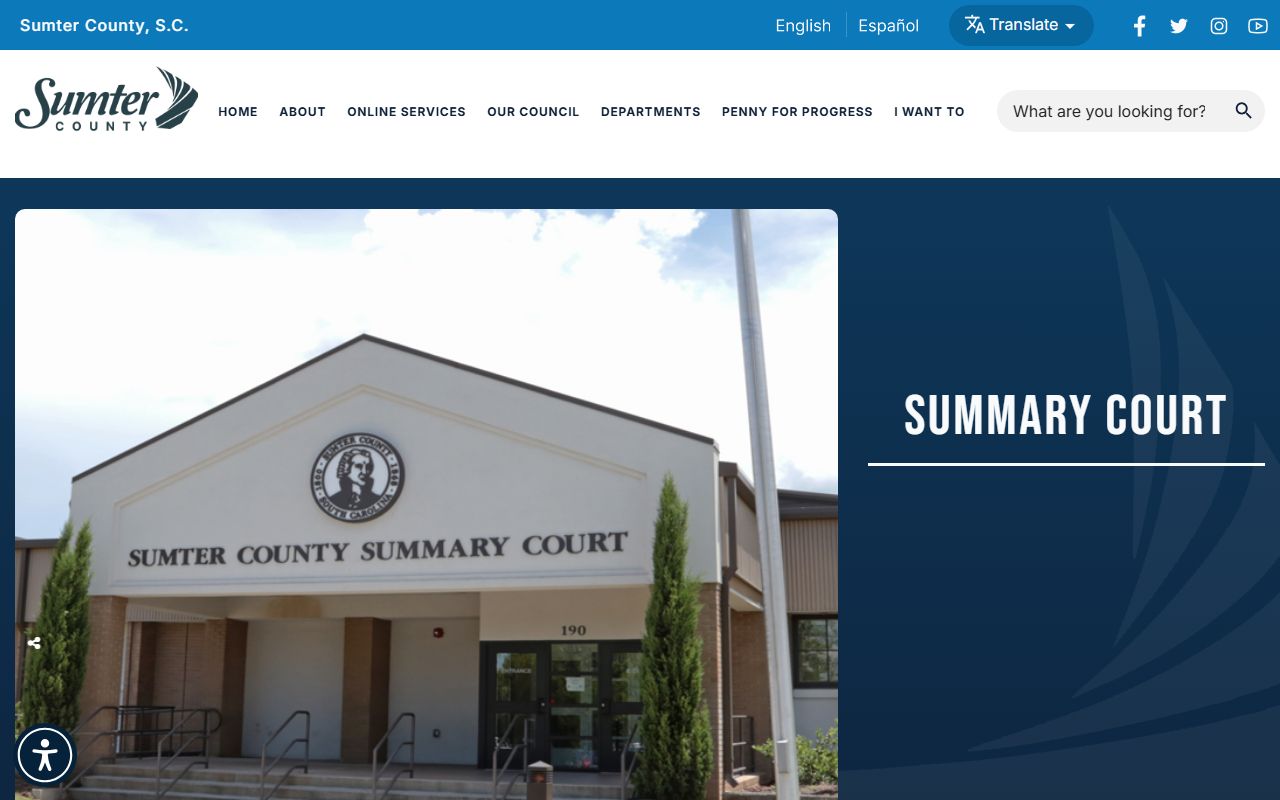
That source matters because it separates county traffic tickets from Circuit Court and Clerk of Court records, which prevents users from starting with the wrong office.
- Read the ticket first and identify the issuing court or municipality.
- Use the SC Traffic Ticket Search by citation number when the citation number is available.
- If the citation number is missing, try driver's license plus state, or first name, last name, and date of birth.
- Check the court, court date, fine, disposition, and payment status before assuming the record is final.
- For continuances, contested hearings, or no-result searches, contact the issuing court directly before the court date.
Which Courts Handle Traffic Cases in Sumter County
Traffic records in Sumter County are split by issuing court. County traffic and many lower-level criminal or civil matters move through Summary Court, also called Magistrate Court in the statewide hierarchy. City traffic and ordinance matters may belong to the City of Sumter Municipal Court. Pinewood citations route to Pinewood Municipal Court. Circuit Court is not the ordinary starting point for a traffic ticket, although a serious traffic-related criminal charge, an appeal, or a related General Sessions case can move into a different court record path.
The City of Sumter court page is the source for municipal traffic contacts: City of Sumter Municipal Court.
The municipal listing is important for tickets written inside city jurisdiction because those matters may use the same building but a city court contact and fax routing.
| Court | Traffic Cases Handled | Address |
|---|---|---|
| Sumter County Summary Court | County traffic matters, traffic fines, traffic court, magistrate misdemeanors, bonds, warrants, and preliminary hearings. | 190 E. Canal St., Sumter, SC 29150 |
| City of Sumter Municipal Court | City traffic tickets, municipal traffic matters, and city ordinance/criminal matters. | 190 E. Canal St., Sumter, SC 29150 |
| Pinewood Municipal Court | Pinewood municipal traffic and ordinance matters. | 16 Clark Street, Pinewood, SC 29125 |
SC Traffic Ticket Search Fields
The Judicial Branch traffic ticket search is field-driven. A citation-number search is usually the cleanest option because it points to a specific ticket. A driver's license search requires the license number and the issuing state. A name search requires first name, last name, and date of birth, which helps reduce multiple-match problems. If the ticket is newly issued, the payment research notes a 3 to 5 business day logging delay before it may appear online.
The search field layout is shown by the SC Judicial Branch Traffic Ticket Search.
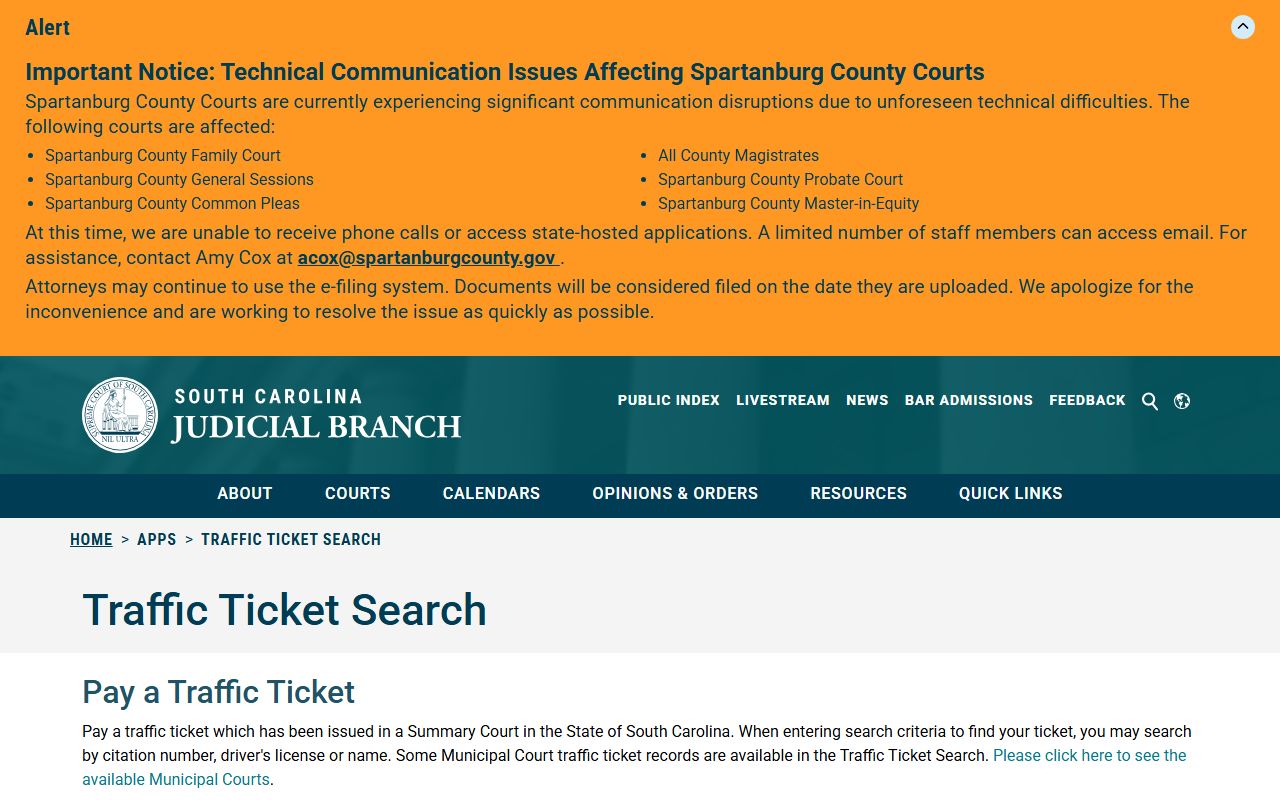
Those fields explain why the same ticket can be found by one method and missed by another, especially when the citation number is typed with spaces or the name does not match the court entry.
| Search Field | Type | Required | Notes / Format |
|---|---|---|---|
| Citation Number | Text | Yes for citation search | Use the Search by Citation tab. Enter the number exactly as shown on the ticket. |
| Driver's License | Text | Yes for license search | Must be paired with the state that issued the license. |
| State | Dropdown | Yes for license search | The system lists states and the District of Columbia, including South Carolina and nearby states. |
| First Name | Text | Yes for name search | Used with last name and date of birth. |
| Last Name | Text | Yes for name search | Used with first name and date of birth. |
| Date of Birth | Date/Text | Yes for name search | The visible page did not specify a format in the research capture. |
What Sumter County Traffic Court Records Show
A court traffic record is a case or citation record. It does not replace the SCDMV driver file. The court record can identify the citation number, court, defendant or driver name, charge description, statute reference, court date, payment activity, and final disposition when that information has been entered. The Public Index research for court records also shows that court systems may organize entries by case number, party names, court agency, case type, action dates, financial tabs, and docket/action history.
| Field | What It Shows |
|---|---|
| Citation Number | The ticket identifier used by the issuing court and online search tools. |
| Charge / Statute | The alleged traffic violation or traffic-related offense tied to the citation. |
| Court Date | The scheduled appearance or hearing date, when entered by the court. |
| Disposition | The result, such as paid, dismissed, adjudicated, or otherwise resolved, depending on court terminology. |
| Fine Amount | The court fine, fees, or payment balance if the record exposes financial detail. |
| Points Assessed | Points are ultimately tracked by SCDMV after conviction reporting, so the court record should be checked against SCDMV. |
Paying or Contesting a Sumter County Traffic Ticket
SC.gov's traffic-ticket payment flow starts by selecting the county or municipality, accepting the disclaimer, and entering the case number or ticket number with the last name. The research capture notes that the case/ticket number should be entered without spaces. After the case is located, the user confirms payment and enters cardholder information. Email can be provided for a receipt. Newly issued tickets may take 3 to 5 business days to be logged, so a no-result message shortly after a stop should be checked again and also verified with the issuing court.
The state payment workflow is documented on SC.gov's traffic tickets and court payments page.
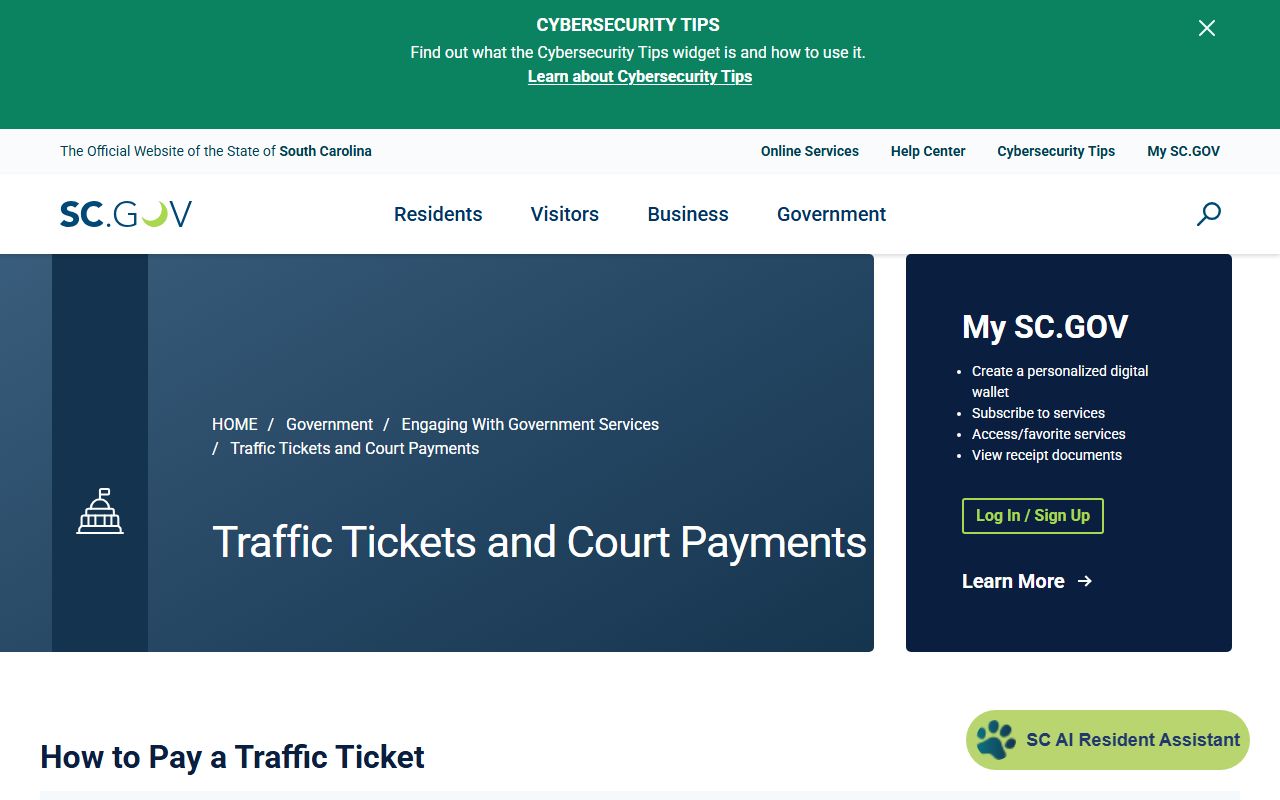
The payment source is limited to payment workflow, so contested tickets, rescheduling, and court appearances still need the issuing court rather than the online payment screen alone.
- Check whether the ticket names county Summary Court, City of Sumter Municipal Court, Pinewood Municipal Court, or another municipality.
- Search the citation through the Judicial Branch ticket search or begin the SC.gov payment flow.
- Allow 3 to 5 business days for online logging if the ticket is new.
- For payment, select the county or municipality, enter ticket or case number without spaces, add last name, locate the case, confirm payment, and enter card details.
- For a not-guilty plea, continuance, reschedule request, or hearing question, contact the issuing court before the court date.
Court Traffic Record vs SCDMV Driver Record
The court traffic record and the SCDMV driver record answer different questions. A Summary Court or Municipal Court record explains the citation case: which court handled it, what ticket number was assigned, whether money is owed, and how the case was disposed. The SCDMV driver record tracks the license side: convictions reported to DMV, current license status, suspensions, and points. A paid ticket may still affect the driver record if the disposition is a reportable conviction.
SCDMV explains official driving records on its driving record page.
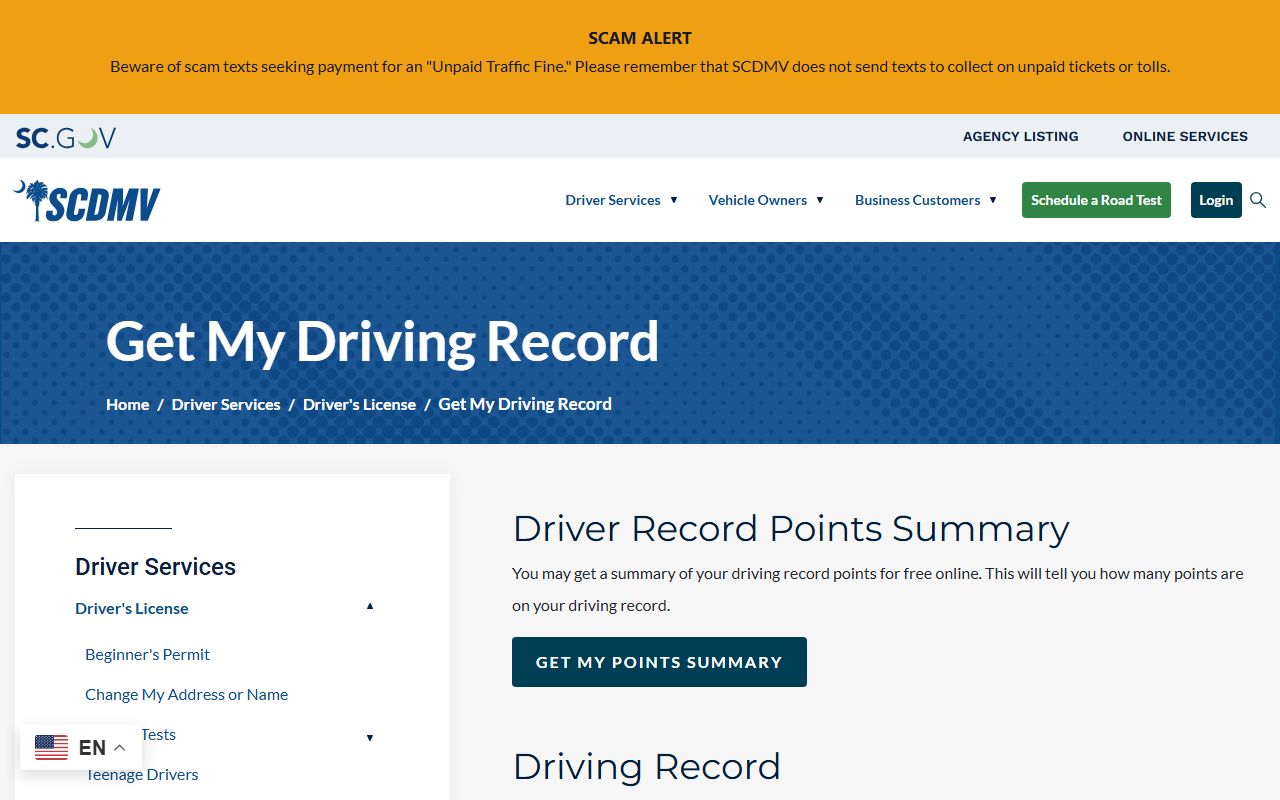
That distinction matters when a user needs insurance, employment, CDL, or license-status information, because the court ticket screen alone may not show the full driving-history consequence.
| Record Type | Source | What It Shows | How to Access |
|---|---|---|---|
| Court Traffic Record | Summary Court, Municipal Court, or SC Judicial Branch traffic-ticket system | Citation details, issuing court, court date, fine/payment status, and case disposition. | Traffic Ticket Search, SC.gov payment flow, or direct court contact. |
| State Driver Record | SCDMV | Convictions, points, suspensions, license status, and driving history. | SCDMV online services or mail request using Form MV-70 when applicable. |
SCDMV Fields, Fees, and Points
SCDMV online services may ask for a driver's license number, ID card number, or plate number, plus additional identifying information for privacy protection. Payment-card fields apply to paid transactions. The transaction list includes a Driver Record Points Summary, Certified Driver Record, reinstatement-fee payment, collision reports, CDL medical status, and other services. The points summary is free. A three-year or ten-year driving record can be ordered online, and the research notes that a full report costs $10. A full report for another driver requires consent or a permissible purpose under the Driver's Privacy Protection Act.
SCDMV separately explains point consequences on its driver points system page.
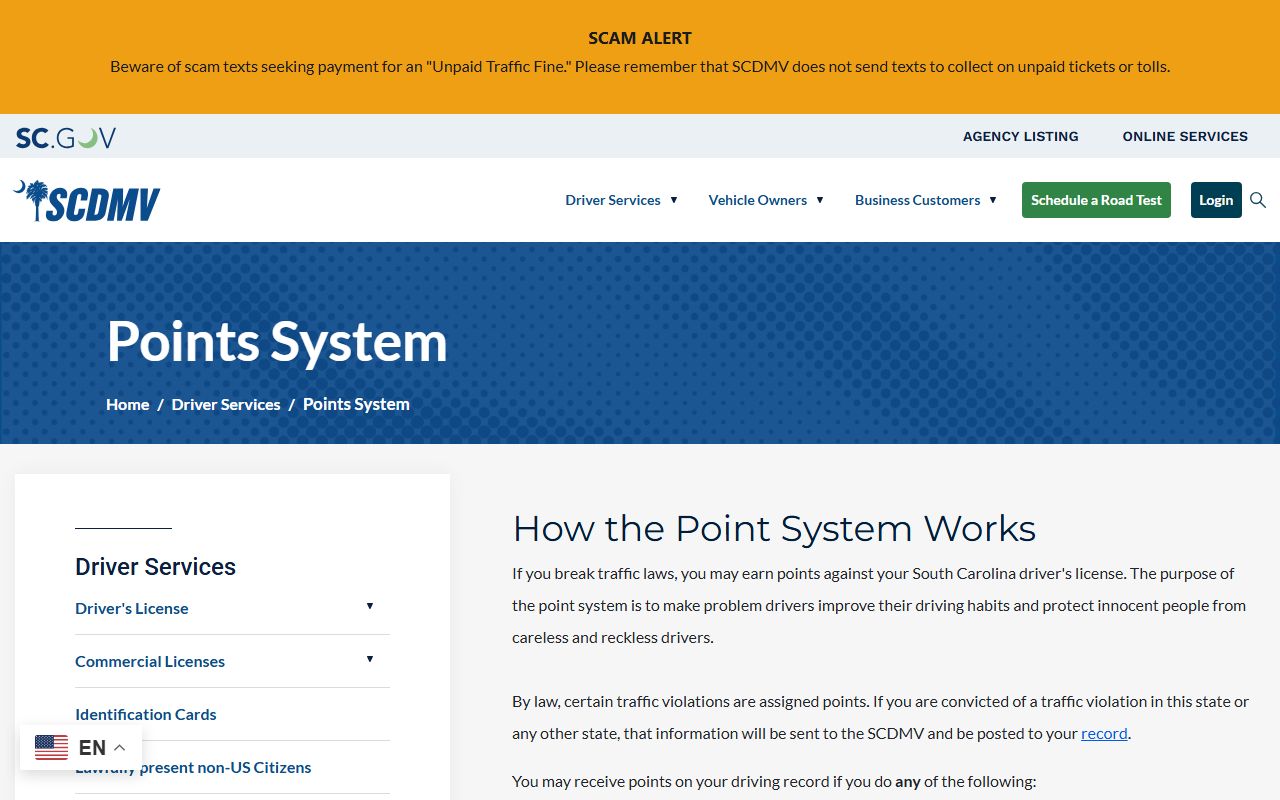
The points page belongs in the traffic-record workflow because a court disposition can be less important to a driver than the license points and suspension risk that follow reporting to SCDMV.
| SCDMV Item | Amount / Rule |
|---|---|
| Driver Record Points Summary | Free through SCDMV. |
| Certified Driver Record / full report | $10 according to the SCDMV research capture. |
| Online payment cards | Mastercard, Visa, Discover, and American Express accepted for paid transactions. |
| Mail request | Use Form MV-70 when appropriate; do not mail cash. |
| Point reduction | S.C. Code § 56-1-770 allows a four-point reduction after an approved defensive driving course after points are assessed. |
Public Access Rules for Traffic Court Records
South Carolina court records are generally open unless a rule, statute, or court order restricts access. Traffic-ticket records that are online are still subject to court-entry timing, participating-court limits, and privacy rules. SC FOIA supports inspection and copying of public records, but court records normally move through court portals and the office that holds the case record. Rule 41.1 of the South Carolina Rules of Civil Procedure recognizes open court records unless sealed under the rule's balancing process. Rule 41.2 requires redaction of personal identifiers such as Social Security numbers, driver/passport numbers, financial account numbers, protected addresses, and certain minor or birth-date details.
Key Statutes and Rules:
S.C. Code § 30-4-30 supports inspection and copying of public records unless an exemption applies.
Rule 41.1, SCRCP treats court records as open unless sealed under the rule.
Rule 41.2, SCRCP requires protected personal information to be redacted from filings.
Traffic Education Program and Expungement
South Carolina's Traffic Education Program is created in S.C. Code § 17-22-300 et seq. Eligibility under § 17-22-320 depends on having no significant traffic-violation history and no more than one participation. Under § 17-22-330, successful completion produces a noncriminal disposition and no record of the traffic offense except program records. A new violation within six months terminates the program and reinstates the offense. Section 17-22-350 lists a $140 application fee and a participation fee up to $140, with waiver if unable to pay.
Expungement is separate from ordinary search results. S.C. Code § 17-22-910 includes Traffic Education Program completion among expungement categories. In the Third Judicial Circuit, expungement applications route through the Solicitor's Office because the statute assigns administration to each circuit solicitor. Sumter's Solicitor is Ernest A. Finney III at the Judicial Center, 215 N. Harvin St., Sumter, phone 803-436-2185. A record disappearing from a public search is not the controlling event. The controlling event is the program disposition, expungement eligibility, and any signed expungement order.
CDL, DUI, and Serious Traffic Charges
Commercial drivers should separate the court case from the driver-record consequence. A traffic citation record may show the court date and fine, while the SCDMV or CDL medical-status transaction may control whether the violation affects commercial driving privileges. Because the research did not identify a separate Sumter County CDL court program, CDL holders should use the issuing court for the case and SCDMV for license-status and driver-record consequences.
DUI and comparable serious traffic-related charges can move beyond an ordinary traffic-ticket search. If a stop produces an arrest, General Sessions, Summary Court, jail, bond, and solicitor records may become relevant. The Clerk of Court maintains General Sessions criminal records such as sentence sheets, arrest warrants, indictments, and pleadings, while Summary Court handles warrants, bonds, preliminary hearings, and lower-level criminal matters. Sheriff Anthony Dennis and the Sumter County Sheriff's Office are public-safety contacts for sheriff-side records, but the court case still routes through the issuing court, Clerk, or Solicitor depending on the charge.
When a Ticket Record Is Not Found
A no-result search should be handled as a routing problem before it is treated as proof that no ticket exists. SC.gov warns that tickets may take 3 to 5 business days to be logged. The search may also fail if the citation number includes spaces, the ticket belongs to a municipal court that is not available in the traffic-ticket system, the name or date of birth does not match the court record, or the issuing court has not posted the ticket online.
Use this fallback order: check the ticket for the issuing court, wait the 3 to 5 business day posting window if the ticket is new, retry the citation search without spaces, try the driver's license or name search, contact Summary Court or the named municipal court, and then check SCDMV separately for points or license status after disposition. For Sumter Summary Court and City of Sumter Municipal Court, start with 190 E. Canal St. and 803-436-2280. For Pinewood, use 16 Clark Street and 803-452-5878. The South Carolina Judicial Branch Sumter courthouse search is a useful official directory when a ticket or notice names a court but not the correct phone number.
Fees for Traffic Record Copies
The research file identifies detailed Clerk fees for certain Circuit Court certified records, but it does not provide a separate Sumter Summary Court per-page traffic-copy schedule. Use the issuing court for traffic-ticket copy and certification questions. The most concrete traffic-related fees in the research are the SCDMV driving-record fee and Traffic Education Program charges. General Sessions fines collected by the Clerk are cash or money order only, with no personal checks, but ordinary traffic-ticket payments follow the issuing court or SC.gov payment workflow.
| Item | Amount / Source |
|---|---|
| Traffic ticket payment | Amount depends on the citation and issuing court; use SC.gov or the court named on the ticket. |
| SCDMV full driving record | $10. |
| SCDMV points summary | Free. |
| Traffic Education Program application fee | $140, with waiver if unable to pay. |
| Traffic Education Program participation fee | Up to $140, with waiver if unable to pay. |
| Summary Court traffic copy/certification | Ask the issuing court; no separate fee was captured in the research file. |